
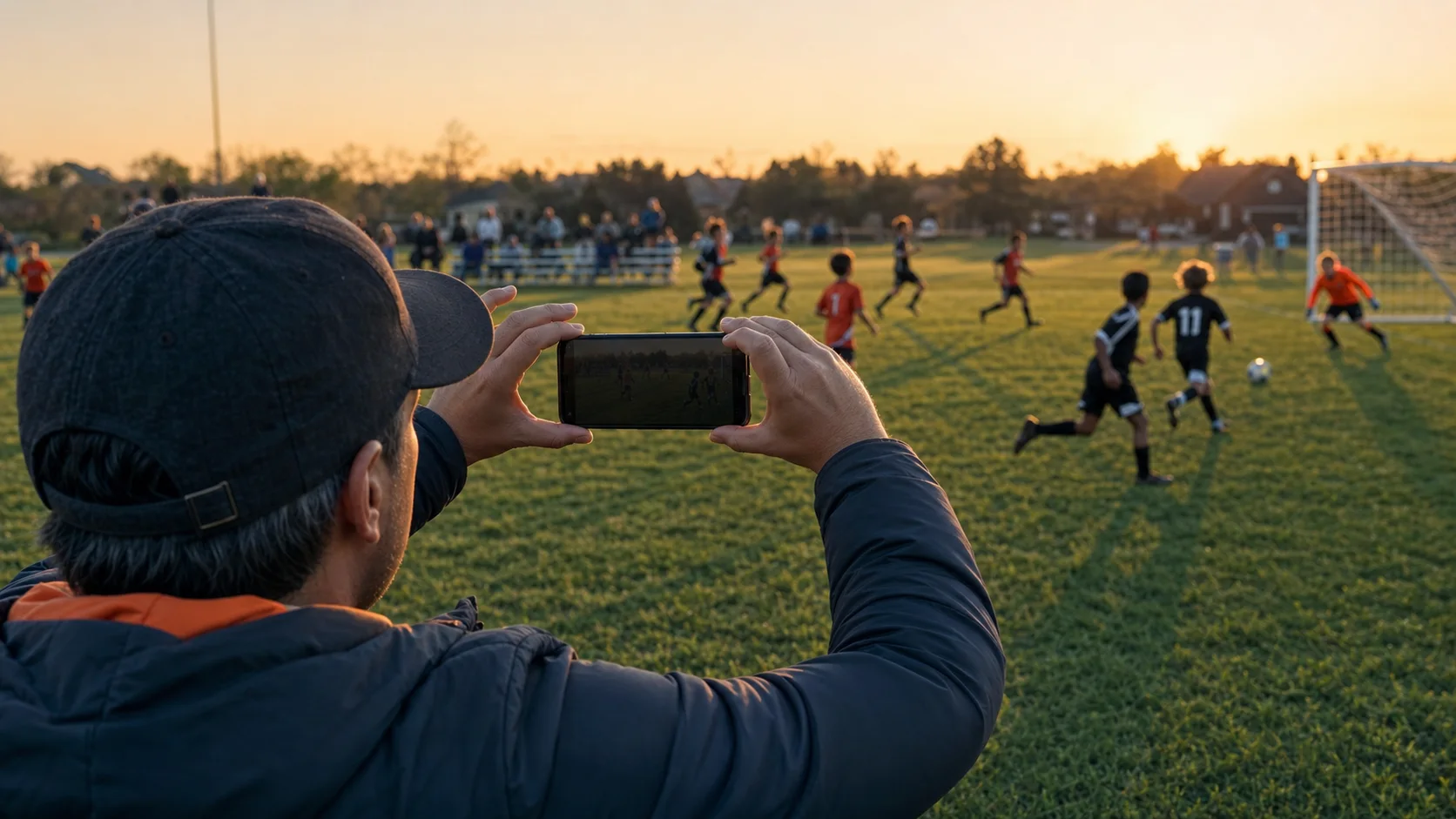
Sports are one of the hardest subjects to film with a phone. The action changes direction without warning. Players cross in front of one another. A gym can be dark on the court and painfully bright near the windows. Outdoors, wind fights the microphone while direct sun heats the phone. Then the final whistle blows and you discover a second problem: two hours of nearly identical thumbnails hiding the six plays you actually want.
The solution is not to buy a pile of gear. Better mobile sports video usually comes from a few deliberate choices made before and during the game. The following eight problems are the ones that most often turn usable footage into a frustrating edit—and each has a practical fix.
1. You start recording without deciding what the video is for
A full-game record, a recruiting reel, a coaching review, and a 20-second social clip are different assignments. If you try to create all four at once, your framing will drift and your phone will fill with footage that does not quite serve any of them.
Make three decisions before warmups:
- Choose the subject. Are you following one athlete, one team unit, or the entire play?
- Choose the destination. Horizontal framing usually works best for tactical movement and conventional video. Vertical framing can work for a single athlete and short-form platforms.
- Choose the coverage. Decide whether you will record continuously or capture shorter sequences around meaningful possessions, shifts, or attempts.
Consistency matters more than picking a universally “correct” orientation. A clean horizontal sequence is easier to watch than a game that rotates every few minutes. If you need both formats, protect extra space around your subject in a high-resolution horizontal frame so you have some room to crop later. Do not assume every shot can be rescued; a wide team play and a tight vertical portrait still require different camera decisions.
Field rule: Write one sentence before the game: “I am filming ___ for ___.” If a shot does not support that sentence, you probably do not need it.
2. Your camera movement is faster than the play
Phone stabilization can reduce small hand movements, but it cannot make an aggressive whip pan look intentional. The most common mistake is reacting to every pass with a sudden swing. Viewers feel the movement more strongly than the person holding the phone.
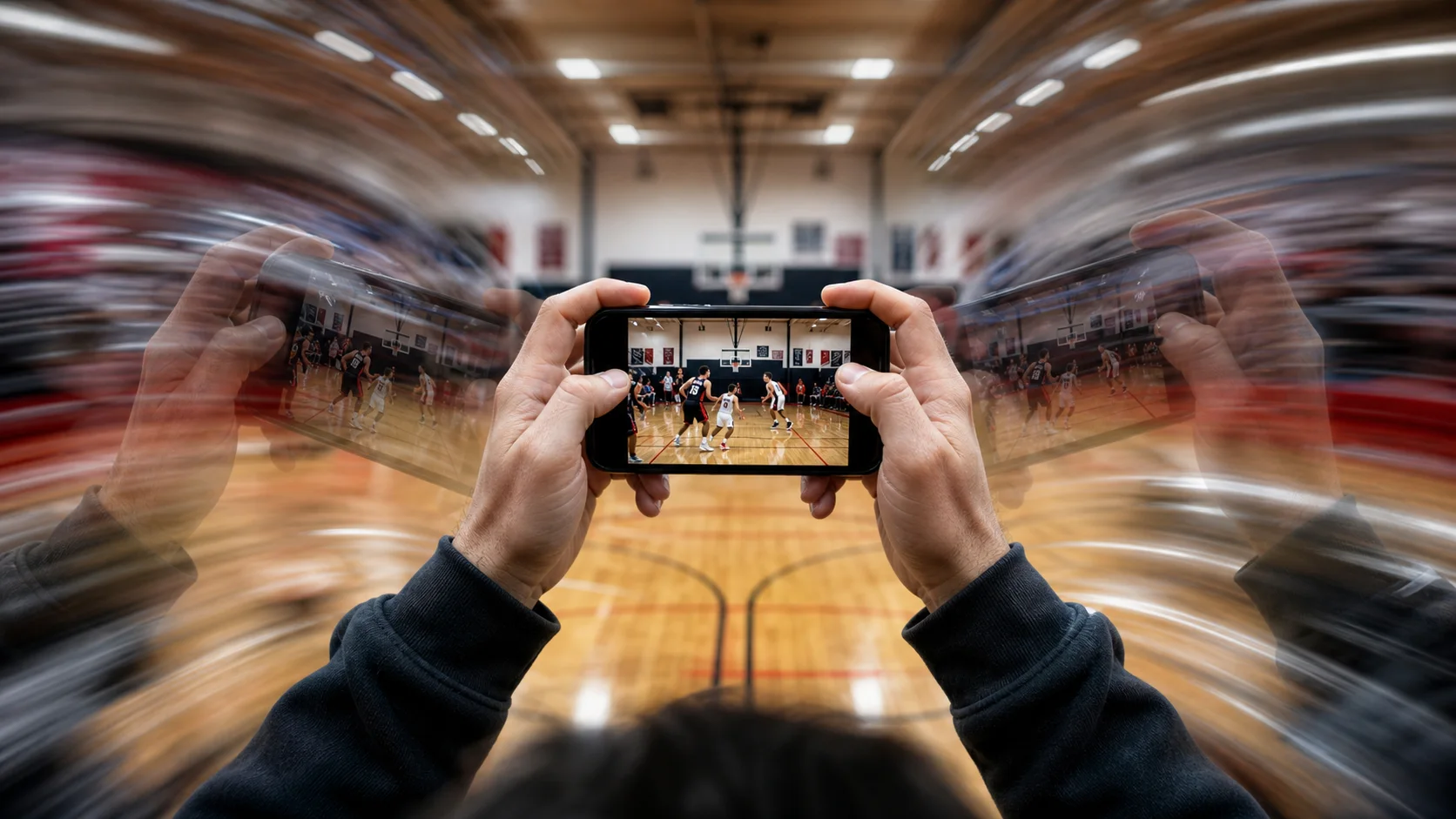
Build a stable base first. Hold the phone with two hands, keep your elbows close to your ribs, and stand with one foot slightly ahead of the other. Turn from your hips and shoulders instead of steering with your wrists. If there is a railing that does not vibrate when people move, use it as light support, but avoid pressing the phone hard against a fence.
Next, anticipate rather than chase. In basketball, leave room in front of the ball handler. In soccer, read the player’s hips and the open space. In volleyball, frame the likely path between setter, hitter, and block. A slightly wider shot gives the play somewhere to go and lets you pan more slowly.
Start and end every clip with two quiet seconds. Those handles make cuts feel deliberate and give stabilization or reframing tools cleaner material. When the action stops, resist the urge to drop the phone immediately; that final wobble often ruins the best reaction.
3. Digital zoom destroys detail and makes every shake larger
Pinching until an athlete fills the screen feels useful on the sideline, but digital zoom is mostly a crop. It throws away resolution, exaggerates motion, and makes it harder to keep the athlete in frame. Switching lenses repeatedly can also change color, exposure, and image quality mid-play.
Use the phone’s native lens steps when possible, and treat your feet and filming position as the main zoom control. For field sports, a higher position near midfield often beats standing close to one corner. For court sports, sit far enough back to keep the relevant spacing visible. If you are filming one athlete, learn the zones they repeatedly enter and set up for those moments rather than following them everywhere.
A good test is whether the viewer can understand what may happen next. If the frame shows only a player’s torso, the pass, defender, and open lane all disappear. Leave enough context to preserve the story of the play. You can crop a stable, high-resolution shot later; you cannot restore a teammate who was never recorded.
4. Focus and exposure “breathe” during the most important moment
Automatic camera systems are designed to respond to change. Sports contain constant change: bright jerseys cross dark backgrounds, scoreboards enter the frame, and windows sit behind players. The phone may hunt for focus or pump brightness exactly when the shot matters.
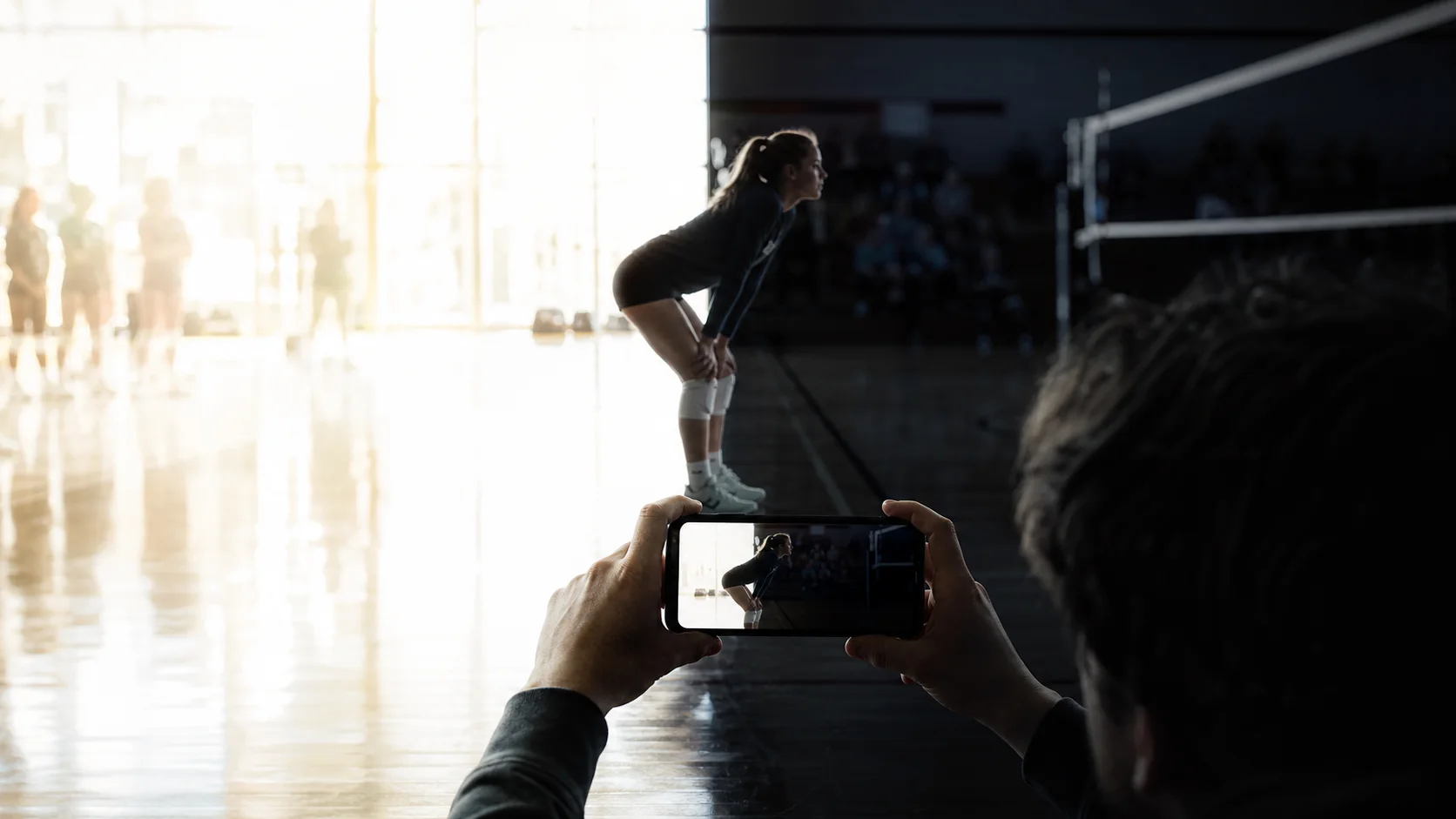
Before the action begins, point at the area where the play will happen and use your camera app’s focus/exposure lock if available. Set exposure for faces and uniforms on the court or field—not for a bright window or a dark crowd. Slightly protecting highlights is usually safer than letting white uniforms and skies clip to featureless white.
Indoor lighting is especially difficult. Move a few steps to remove windows from the background when possible. Avoid filming directly under a flickering LED fixture. If the color looks different from one end of the court to the other, choose a position that gives you the most consistent light rather than trying to correct every shift while recording.
Do not tap the screen repeatedly during play. Each tap risks visible focus movement and can shake the phone. Lock once for the main action zone, monitor the result during a stoppage, and adjust only when the lighting situation changes.
5. You choose settings by maximum quality, not by the job
The highest resolution is not automatically the best setting for a long game. 4K can preserve cropping room, but it consumes more storage, uses more power, generates more heat, and creates heavier files to transfer and edit. High frame rates make motion smoother, but they also need more light.
For many daytime or well-lit youth sports situations, 1080p at 60 frames per second is a strong starting point. It captures smoother movement than 30 fps while keeping file sizes and heat more manageable than 4K. In a dim gym, 30 fps may produce a cleaner image because each frame can collect more light. Test your specific phone during warmups; camera processing varies by model.
Use 4K when you know you need reframing room and have enough storage, battery, cooling, and editing capacity. Avoid changing resolution or frame rate halfway through a sequence unless conditions demand it. Matching clips are easier to edit and look more coherent.
Also clean the lens. A fingerprint turns bright gym lights into a foggy halo and makes night footage look dramatically worse. A soft microfiber cloth is one of the highest-value tools in the entire setup.
6. The picture is watchable, but the sound is not
Sound gives sports video its sense of place: the ball, the whistle, shoes on the floor, teammates calling, and the crowd reacting. Unfortunately, a phone microphone also captures the person behind the camera, the spectator beside them, wind across the mic openings, and every finger that rubs the case.
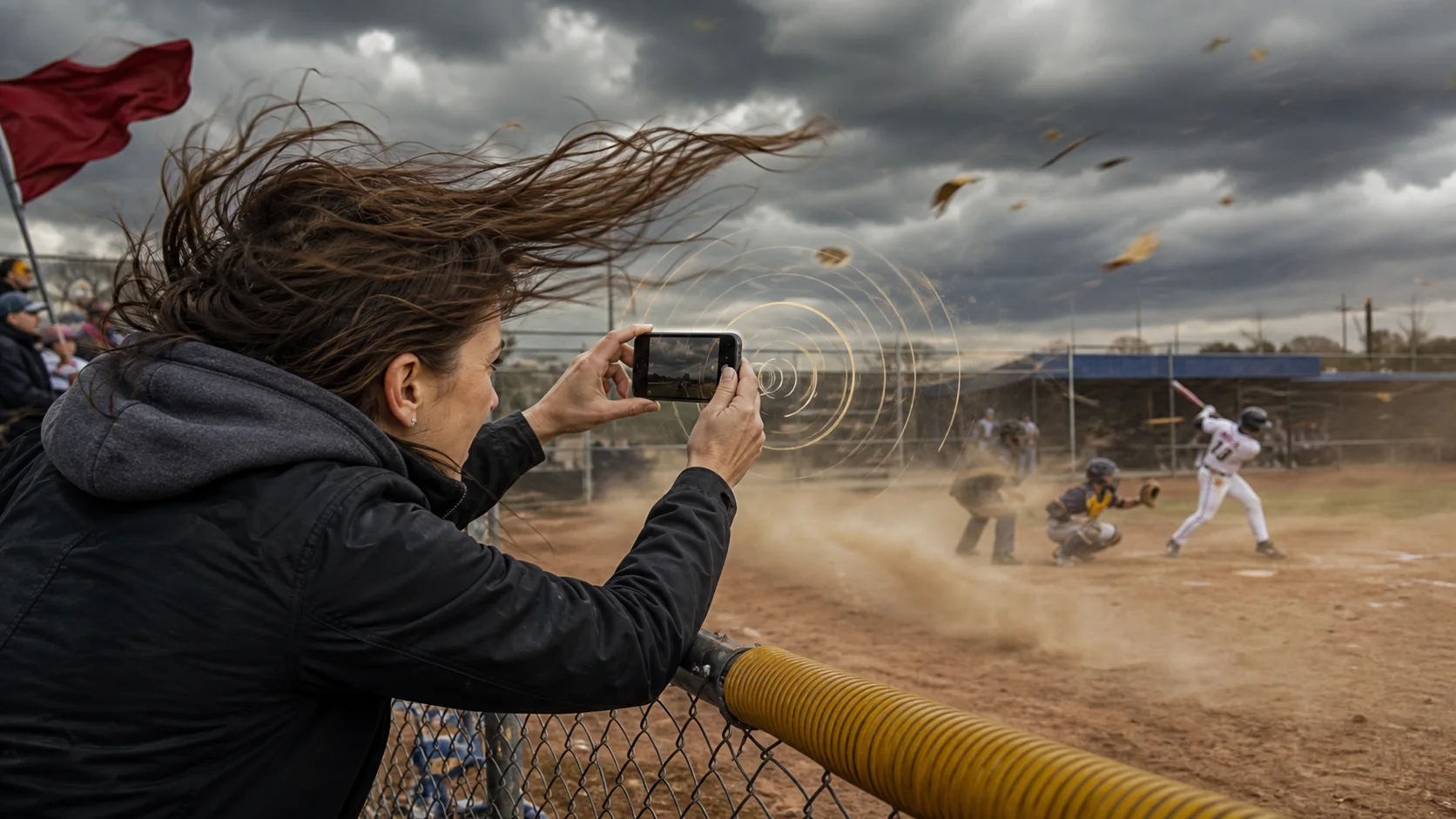
Outdoors, turn your body so it blocks the wind without blocking the lens or microphone. Keep fingers away from the phone’s mic openings. Indoors, move away from loud HVAC vents, speakers, and groups having conversations. Your location may improve audio more than a camera setting does.
If clean sound is important, record a short test during warmups and listen with headphones. An external microphone can help, but only if it fits the assignment and does not add cables that interfere with quick movement. For a coaching reference video, intelligible ambient sound may be enough. For a polished feature, consider a separate audio source near the bench or court only when you have permission and a reliable way to sync it.
Never narrate by accident. People naturally comment while filming; those comments become the loudest track because the microphone is inches away. If you want commentary, make it deliberate. If you do not, remind anyone beside the phone that it is recording.
7. Heat, battery, storage, and notifications stop the recording
Long games expose every weak point in a phone setup. Direct sun raises device temperature. A bright screen and high-resolution recording drain the battery. Nearly full storage can end a clip without warning. Calls and notifications may cover controls or interrupt your concentration.
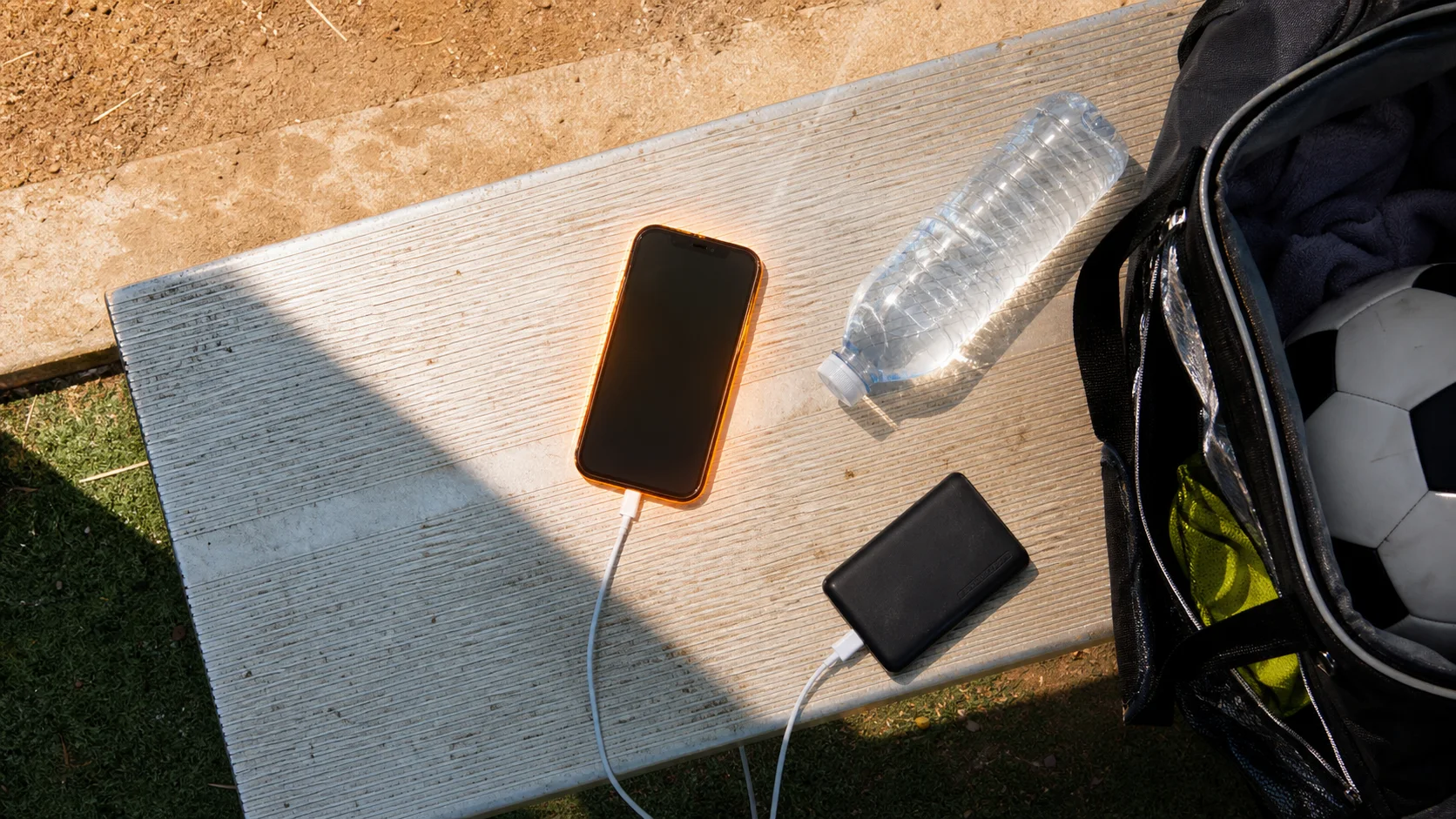
Prepare the phone as if it were part of your sports equipment:
- Charge fully and bring a power bank and a cable you have already tested.
- Free enough storage for the planned format, then leave additional safety margin.
- Enable a focus or do-not-disturb mode that allows only truly urgent contacts.
- Reduce screen brightness to the lowest usable level.
- Keep the phone shaded between sequences; never cool it with ice or condensation.
- Remove a heavy insulating case if the phone is running hot and it is safe to do so.
During tournaments, check battery, temperature, and remaining storage between games—not during a decisive possession. If the phone displays a temperature warning, stop recording and let it cool naturally. A slightly lower recording setting is better than losing the final quarter entirely.
8. You capture the play but lose it inside hours of footage
This is the pain that appears after successful filming. A two-hour recording contains warmups, stoppages, dead time, and dozens of similar possessions. Scrubbing from the beginning is slow. Relying on memory is unreliable. Separate notes help, but only if their timestamps match the recording clock.

Create structure while the context is still fresh. The simplest method is a timestamp note: record the game clock or recording time after a key play. A better method is to place a marker without stopping the recording. Label only events you will realistically use—goal, save, three-pointer, turnover, strong defensive sequence, interview, or crowd reaction. Too many vague markers create a second pile to sort.
Marker-based capture is the idea behind QShot. While recording, you can tag meaningful moments and continue filming. Afterward, those tags become starting points for reviewing clips and building a timeline, with those markers guiding review and edit decisions. The important principle applies with or without a dedicated app: make the first editorial decision while you still know why the moment matters.
For a real example of what happens when this problem scales to nearly 100GB and more than 100 files, read Jimmy’s four-year youth sports filming story.
Leave a few seconds before and after the event when selecting a clip. The setup often explains the play, and the reaction often supplies the emotion. A “highlight” that begins at the exact instant of contact can feel abrupt even when the action is technically present.
A two-minute game-day checklist
Run this list before the opening whistle:
- Clean the lens and confirm orientation.
- Choose 1080p/60 for good light or test 1080p/30 in a dim venue.
- Check available storage, battery, and power bank.
- Enable focus mode and silence nonessential notifications.
- Pick a stable position with a clear view and manageable light.
- Lock focus and exposure on the main action area when available.
- Record ten seconds, then check picture and sound.
- Decide how you will mark important moments.
None of these steps is glamorous. That is why they work. Reliable sports footage comes from reducing uncertainty before the action becomes unpredictable.
Frequently asked questions
What is the best phone setting for recording sports?
Start with 1080p at 60 fps in good light. It gives motion a smoother look without the storage, heat, and battery cost of 4K. In a dim gym, test 1080p at 30 fps, which may look cleaner. Your phone and venue matter, so check a warmup clip before committing.
Should I film sports horizontally or vertically?
Choose based on where the video will be watched. Horizontal is usually better for complete plays and team spacing. Vertical can suit one athlete and short-form social video. Stay consistent through a sequence, and avoid rotating while recording.
How do I make phone sports video less shaky?
Use two hands, tuck your elbows, widen your stance, and rotate from your hips. Frame slightly wider so you can anticipate movement instead of reacting with fast whip pans. Start and finish each clip with two still seconds.
How can I find highlights faster after a game?
Place markers while recording or log accurate timestamps. Review the moments around those markers first instead of scrubbing the entire game. Use specific labels and preserve a few seconds of setup and reaction around every chosen play.
Capture first. Organize later.
QShot is built for live sports: tag key moments as you record, review the tagged clips first, arrange the timeline, and export the finished video.
See how QShot works